What we fix
- Won’t turn on or keeps restarting Power supply, motherboard and start-up faults traced to the actual cause.
- Slow, freezing or crashing Clean-ups, SSD and memory upgrades, and start-up fixes that make an older PC usable again.
- Blue screens and error messages Driver, update and hardware faults diagnosed properly instead of guessed at.
- Viruses and pop-ups Malware removed while keeping your files wherever possible. See virus removal.
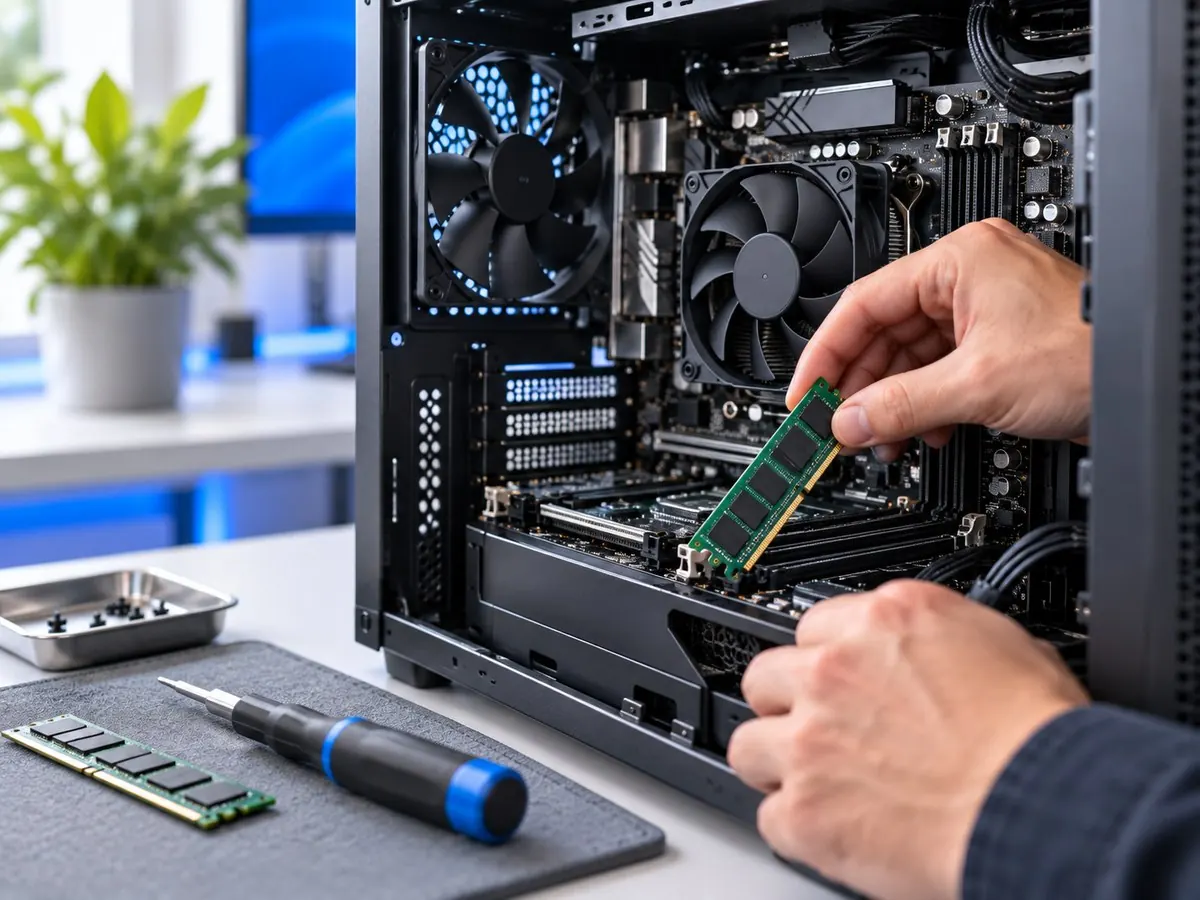
- Upgrades SSD, RAM, graphics card and power supply installs, with your files moved across.
- Windows reinstall and new PC setup Clean installs, data transfer, printers and accounts set up and tested.
- Motherboard and port faults Desktop and laptop motherboard, USB and power-port faults assessed and repaired or replaced.
- Overheating and fan noise Dust removal, fan replacement and fresh thermal paste.
Prices
| Service | Price |
|---|---|
| Diagnostic | $49.99 — credited to the repair |
| SSD upgrade with data transfer | Quote after diagnostic |
| Windows reinstall and setup | Quote after diagnostic |
| Virus and malware removal | Quote after diagnostic |
| Hardware and motherboard repair | Quote after diagnostic |
Prices are in CAD. You approve a written quote before any work begins. Ask us about the warranty on your repair.
Common questions
How much does computer repair cost in Surrey?
Every job starts with the $49.99 diagnostic, which is credited to the repair if you go ahead. You get a written quote before any work starts, and nothing is done without your approval.
How long does a computer repair take?
Most software fixes and upgrades are finished the same or next business day. Repairs that need parts take longer, and your quote includes the expected timing.
Do you offer pickup and drop-off?
Yes. Pickup and drop-off is available across Surrey and nearby areas, and many problems can also be fixed on-site or remotely. Ask about pickup when you book.
Will I lose my files?
Most repairs don’t touch your data. If a repair carries any risk to your files, we tell you first and can back them up before we start.
Is it worth repairing an older computer?
If the repair would cost more than about half the price of a comparable replacement, we’ll say so. Many slow computers run well again after an SSD and memory upgrade.